Omarchy made the hard part boring
Like a lot of people, I got curious about Omarchy because everyone on Twitter seemed to be talking about it. So I tried it myself.
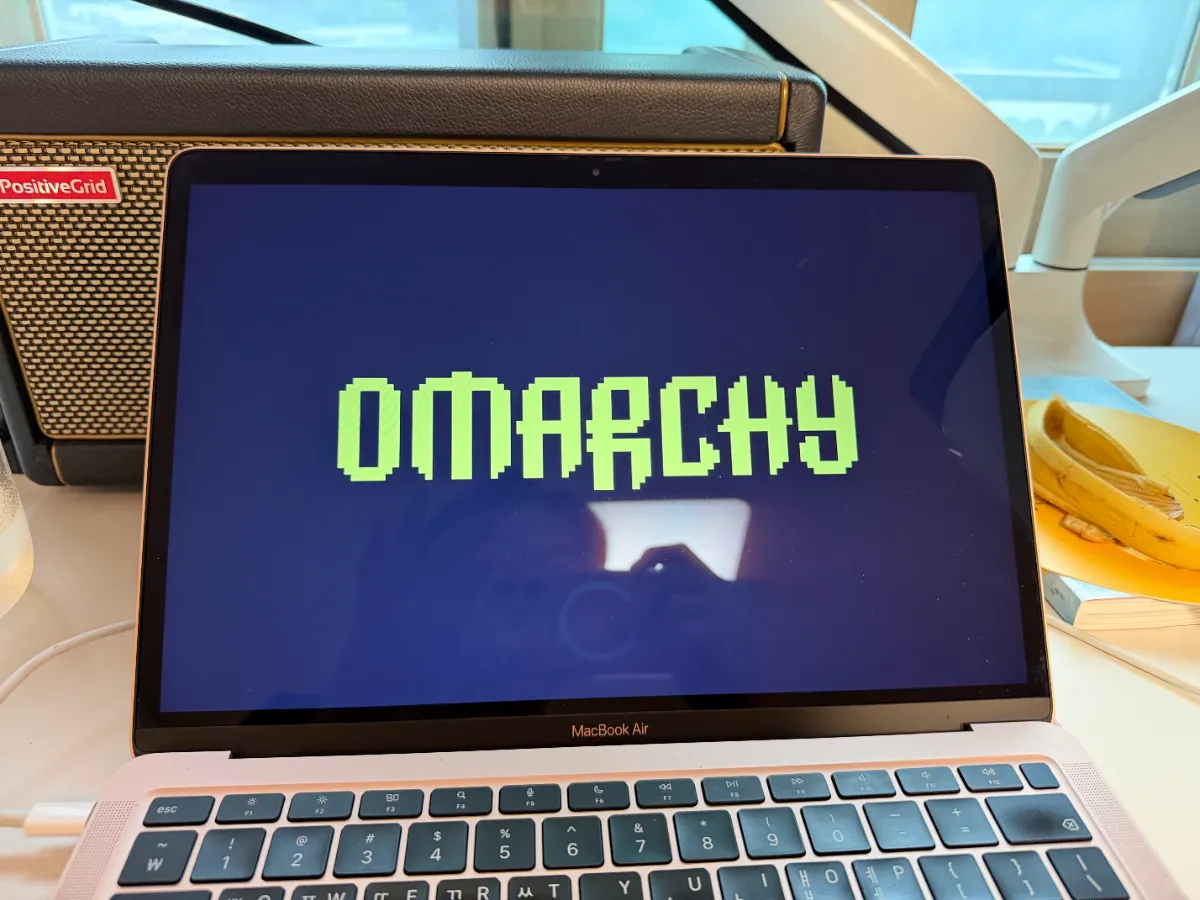
Here's what surprised me: the hard stuff isn't hard on Omarchy anymore. I asked Claude Code to make an x86-only binary run on an ARM64 Linux machine, and it simply did it. It set up the emulation and got the thing running. No wizard, no permission prompts begging for the keys to the kingdom, no afternoon lost to forum threads.
On macOS or Windows, that same job means fighting the operating system every step of the way. On Omarchy, the OS gets out of the way, so the agent can do the actual work. That's the story. The VPN was just the excuse.
My company now requires a VPN to do our job. Fair enough — security matters. The problem is the VPN client itself. It's made by a South Korean vendor, and it is, to put it gently, a truly terrible piece of software.
Attempt one: the Mac
I started with the obvious route and tried installing it on my Mac. The installer promptly asked for a sweeping set of system permissions — the kind of access even Steve Jobs couldn't have granted himself. For a tool whose only job is to open a tunnel to a content management system, that was a hard no.
It's also a familiar pattern. In South Korea, self-styled "security software" is often the most vulnerable bottleneck in the whole chain: tools that demand deep system access in the name of protection end up being the weakest link themselves.
Attempt two: quarantine it in a VM
If the client wanted to take over a machine, I'd give it a disposable one. I've been doing this with a macOS VM on ParalleIs, but it takes more than 70GBs of disk for just using a web browser and a VPN connection. I remembered that Try Omarchy is a VM, so I tried installing it there too.
Another wall. The client was compiled only for x86, and my VM runs ARM64. The binary simply wouldn't run.
Handing it to Claude Code
Mostly out of curiosity, I opened Claude Code inside Omarchy and asked it to fix the problem. I half expected a polite explanation of why it couldn't be done. Instead, it set up x86 emulation on the ARM64 system and got the client running.
In the end, it still didn't work. My company's VPN server doesn't appear to accept connections from Linux clients at all, so there was nothing to connect to. But that was the server's limitation, not the fix.
What stuck with me
The VPN won this round. But the lesson stands: when the OS treats you as the owner of your machine, even an AI agent can do real work on it, directly and smoothly. The corporate software was the obstacle. Omarchy was the part that behaved the way good software should.
Try Omarchy: the best of both worlds
At first I treated Try Omarchy the way the name suggests: a trial, a way to test the waters. It turns out to be much more than that.
I love working in Omarchy, but I'm still locked into the Apple ecosystem. Ditching macOS simply isn't an option for me. With Try Omarchy, I don't have to choose. I get Omarchy and macOS side by side on my new laptop.
And that matters, because nobody really wants two machines — one for macOS, another for Omarchy. We all just want one laptop that does everything. Try Omarchy makes that possible.